
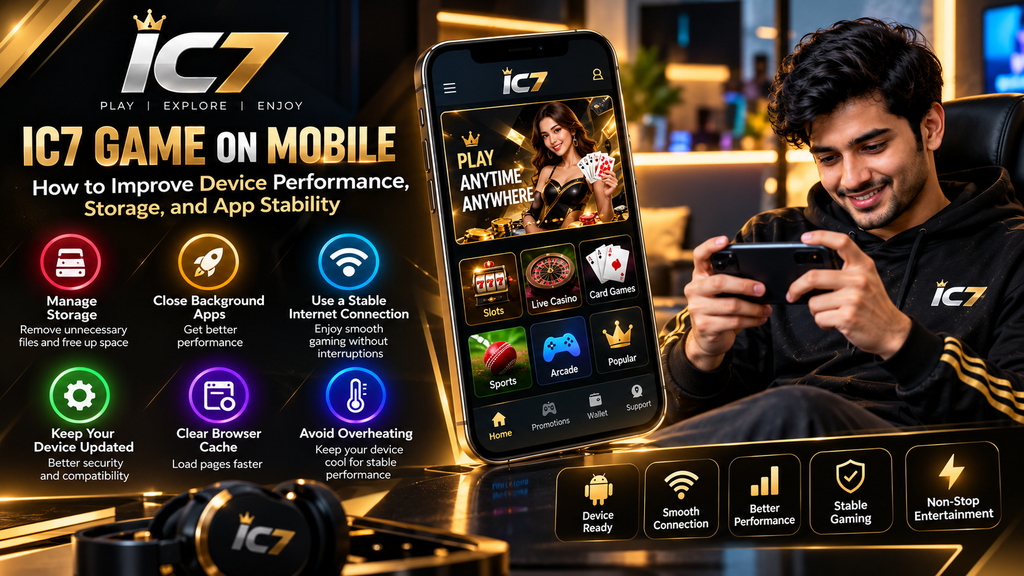
Mobile gaming depends on more than the application itself. Device storage, available memory, background applications, network quality, browser settings, and system updates can all influence how smoothly a gaming platform works.
If you are exploring IC7 Game on a smartphone, preparing your device before using an application or web platform can help reduce common performance problems. A phone with limited free storage or too many background processes may experience slower loading, freezing, or unexpected interruptions.
This guide explains practical ways to prepare your smartphone for a smoother gaming experience while also maintaining good digital habits.
Why Mobile Performance Matters
A gaming platform may require the device to load images, menus, animations, account pages, and other interactive elements. When the phone has limited resources, these elements may take longer to appear.
Performance can be affected by several factors, including:
- Available storage space
- RAM usage
- Background applications
- Internet connection
- Browser cache
- Operating system version
- Application version
- Device temperature
- Battery-saving settings
Improving these areas does not guarantee that every platform will run perfectly, but it can eliminate several device-related causes of poor performance.
1. Check Available Storage Before Using a Gaming App
Storage is one of the easiest areas to overlook.
When a smartphone is nearly full, applications may have less room for temporary files and updates. This can contribute to installation problems or slower general device performance.
Before installing or updating an application, check your phone’s storage section.
Look for:
- Large videos
- Duplicate photographs
- Unused applications
- Old downloads
- Large documents
- Cached files
- Offline media
Removing unnecessary files can create additional free space and make routine device maintenance easier.
Keep Important Files Safe
Do not delete photographs, documents, or other important files to create storage space.
Back up important information first, then remove files that you no longer need.
2. Close Unnecessary Background Applications
Modern smartphones can run multiple applications simultaneously. However, keeping many resource-heavy applications active may increase memory usage.
Before opening a demanding application, close apps that you are not currently using.
For example, you might close:
- Video editors
- Large social media applications
- Streaming services
- Navigation applications
- Download managers
- Other games
This can give the device more available resources for the application you are currently using.
3. Maintain a Stable Internet Connection
Not every performance problem is caused by the smartphone.
A weak or unstable connection can result in:
- Slow page loading
- Delayed responses
- Connection interruptions
- Repeated loading screens
- Incomplete content
If the platform requires an internet connection, try using a stable Wi-Fi or mobile data connection.
Avoid switching repeatedly between networks while an important page is loading.
Test the Connection Separately
If a page is unusually slow, open another trusted website or application.
If multiple services are slow, the problem may be related to your network rather than the gaming platform.
4. Keep Your Smartphone Operating System Updated
Operating system updates can include compatibility improvements, security patches, and performance changes.
Check your phone’s system-update section periodically.
Before performing a major update:
- Connect the device to a reliable power source.
- Use a stable internet connection.
- Make sure important files are backed up.
- Follow the manufacturer’s update instructions.
Avoid installing unofficial system files or modified firmware to improve gaming performance.
5. Review Browser Cache and Temporary Data
If you access an online gaming service through a browser, temporary browser data can accumulate over time.
A browser’s cache can sometimes become outdated or cause unexpected page behavior.
If a page repeatedly displays incorrectly, you can consider clearing cached data through the browser settings.
However, understand the difference between:
Cache: Temporary website files that can generally be regenerated.
Cookies: Information websites may use to remember sessions or preferences.
Saved passwords: Credentials stored by the browser.
Do not clear saved passwords or other important information accidentally.
6. Avoid Running the Phone at Excessive Temperature
Heat can affect smartphone performance.
Long gaming sessions, direct sunlight, high ambient temperatures, charging while performing demanding tasks, or poorly ventilated environments can cause the device to become hot.
When the phone becomes unusually warm:
- Move it away from direct sunlight.
- Remove unnecessary background applications.
- Stop demanding tasks temporarily.
- Allow the device to cool naturally.
- Avoid placing it under pillows or blankets.
Do not use extreme cooling methods such as placing the phone in a refrigerator or freezer.
7. Review Battery-Saving Settings
Battery-saving modes can change how applications operate in the background.
Depending on the phone manufacturer, aggressive battery optimization may restrict certain processes or notifications.
If an application behaves unexpectedly, check whether battery optimization is affecting it.
The exact settings differ between Android devices, so use the manufacturer’s current instructions rather than relying on screenshots from older Android versions.
8. Keep Applications Updated From Reliable Sources
Application updates may contain bug fixes, compatibility improvements, and security changes.
If an application is already installed, check whether a legitimate update is available through its recognized distribution channel.
Be careful with websites offering:
- Modified APKs
- “Unlimited” versions
- “Hacked” versions
- Unofficial premium versions
- Files promising guaranteed rewards
The appearance of a download button does not prove that the file is genuine.
Google Play Protect is designed to check applications and can also warn about potentially harmful applications installed from sources outside Google Play.
9. Check Permissions Before Installing Software
Application permissions deserve attention whenever new software is installed.
Review whether the requested permissions make sense for the application’s stated purpose.
Be particularly cautious if an unfamiliar application requests access to sensitive areas such as:
- SMS
- Contacts
- Accessibility services
- Microphone
- Camera
- Files and media
- Device administration
A permission request by itself does not prove that an application is unsafe, but unusual requests deserve additional scrutiny.
10. Restart Your Device When Problems Continue
Sometimes the simplest solution is a complete restart.
Restarting can close background processes and refresh system resources.
If IC7 Game or another application is repeatedly freezing, try this basic sequence:
- Close the application.
- Check your internet connection.
- Restart the smartphone.
- Open the application again.
- Check whether an official update is available.
- Review available storage.
If the problem continues, record the exact error message instead of repeatedly reinstalling unknown files.
Common Mobile Performance Problems
Different problems can have different causes.
Problem Possible Cause
Slow loading Network or device performance
Application freezing Memory or compatibility issue
Installation failure Storage or software compatibility
Frequent disconnection Network instability
High battery usage Background activity or demanding processes
Device heating Long sessions or heavy processing
Pages displaying Browser or cache issue incorrectly
Update failure Storage, network, or compatibility
This table is a starting point rather than a diagnosis. The actual cause depends on the device and application version.
A Simple Mobile Preparation Checklist
Before using an online gaming platform, you can quickly review your phone using this checklist:
Device
- Enough free storage
- Operating system updated
- Battery sufficiently charged
- Device temperature normal
Network
- Stable Wi-Fi or mobile data
- No ongoing large downloads
- Good signal strength
Software
- Application obtained from a reliable source
- Current legitimate version
- Permissions reviewed
- Security protection enabled
Account
- Login details kept private
- OTP never shared
- Suspicious messages ignored
- Official support information verified
Responsible Use Is Also Part of a Good Gaming Experience
Technical preparation is only one part of using an online gaming service responsibly.
If a service involves real-money gaming, users should independently check the laws and restrictions applicable to their location before participating. Rules surrounding online money gaming in India have changed, and the Government of India states that the Promotion and Regulation of Online Gaming Act, 2025 addresses online money games and related activities.
Gaming should not be treated as guaranteed income. Avoid spending money that you cannot afford to lose, and take breaks rather than continuing because of previous losses.
What to Do When Performance Problems Keep Returning
If an issue continues after basic troubleshooting, avoid downloading random “fix” applications or modified versions.
Instead:
- Note the exact problem.
- Check whether other applications work normally.
- Check the available storage.
- Confirm the network connection.
- Check for legitimate updates.
- Review the platform’s official help or support information.
- Keep screenshots of genuine error messages if support requests them.
This approach makes it easier to distinguish a device problem from a platform-side issue.
Frequently Asked Questions
Why is IC7 Game slow on my phone?
Slow performance can have several causes, including limited storage, high memory usage, poor connectivity, an outdated application, or device temperature.
Does clearing cache improve mobile performance?
Clearing unnecessary cached data can sometimes resolve browser or application loading problems, although it is not a guaranteed performance solution.
How much storage should I keep free?
There is no single amount that works for every smartphone. Keeping reasonable free space rather than allowing the device to become full is a useful general practice.
Why does my phone heat up during gaming?
Extended use, demanding processing, charging, high temperatures, and poor ventilation can contribute to device heating.
Should I install a modified IC7 APK to improve performance?
No. Modified or unofficial application files can introduce security and compatibility risks. Use a verified distribution source whenever one is available.
What should I do if the application keeps crashing?
Restart the device, check storage, verify the internet connection, and check for a legitimate application update. If the problem remains, use the relevant official support channel.
Conclusion
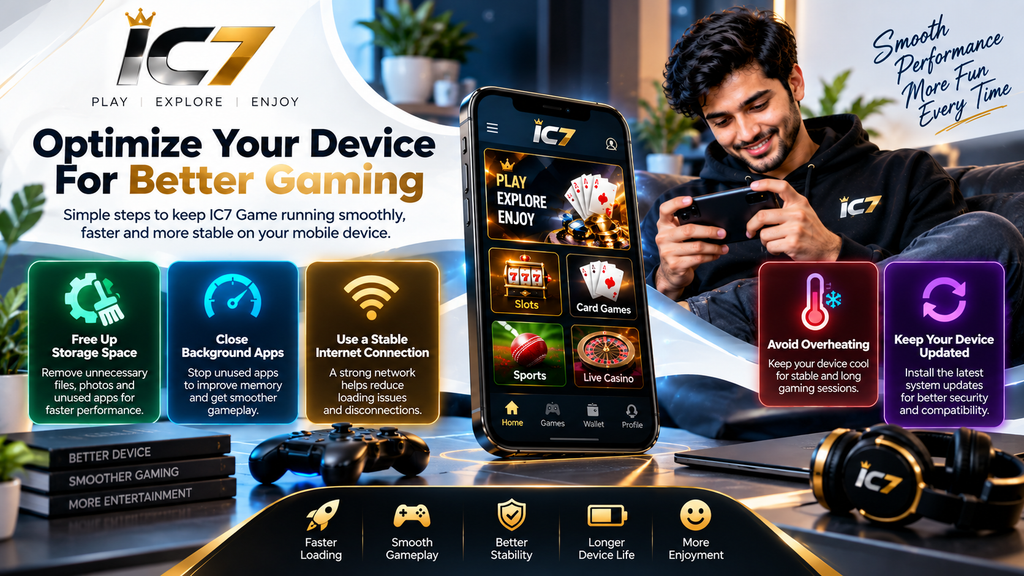
A smooth mobile gaming experience depends on more than the application itself. Storage management, stable connectivity, system updates, temperature control, browser maintenance, and careful software installation can all contribute to better device performance.
Before using IC7 Game or any similar online gaming service, prepare your smartphone, protect your account information, and verify the source of any software you install.
Most importantly, do not sacrifice device security or financial safety to access a gaming service. A well-maintained phone and careful online habits provide a stronger foundation for a safer digital experience.